Vector
Can an ordinary webcam feel like a trackpad that floats in the air, without firing when you just wave?
A webcam becomes a spatial input device: pinch, drag and throw real Windows windows with your hands.
What it does
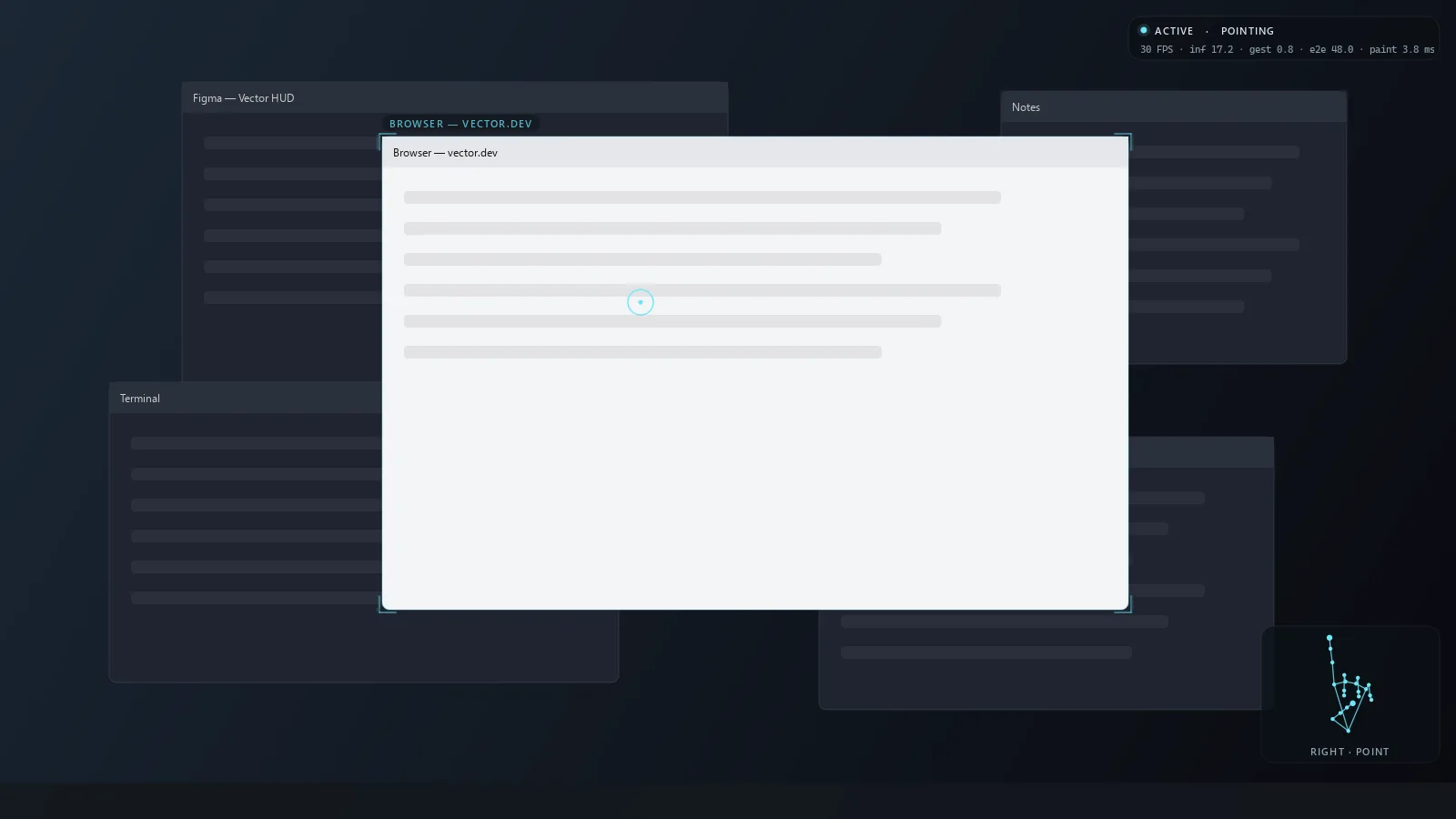
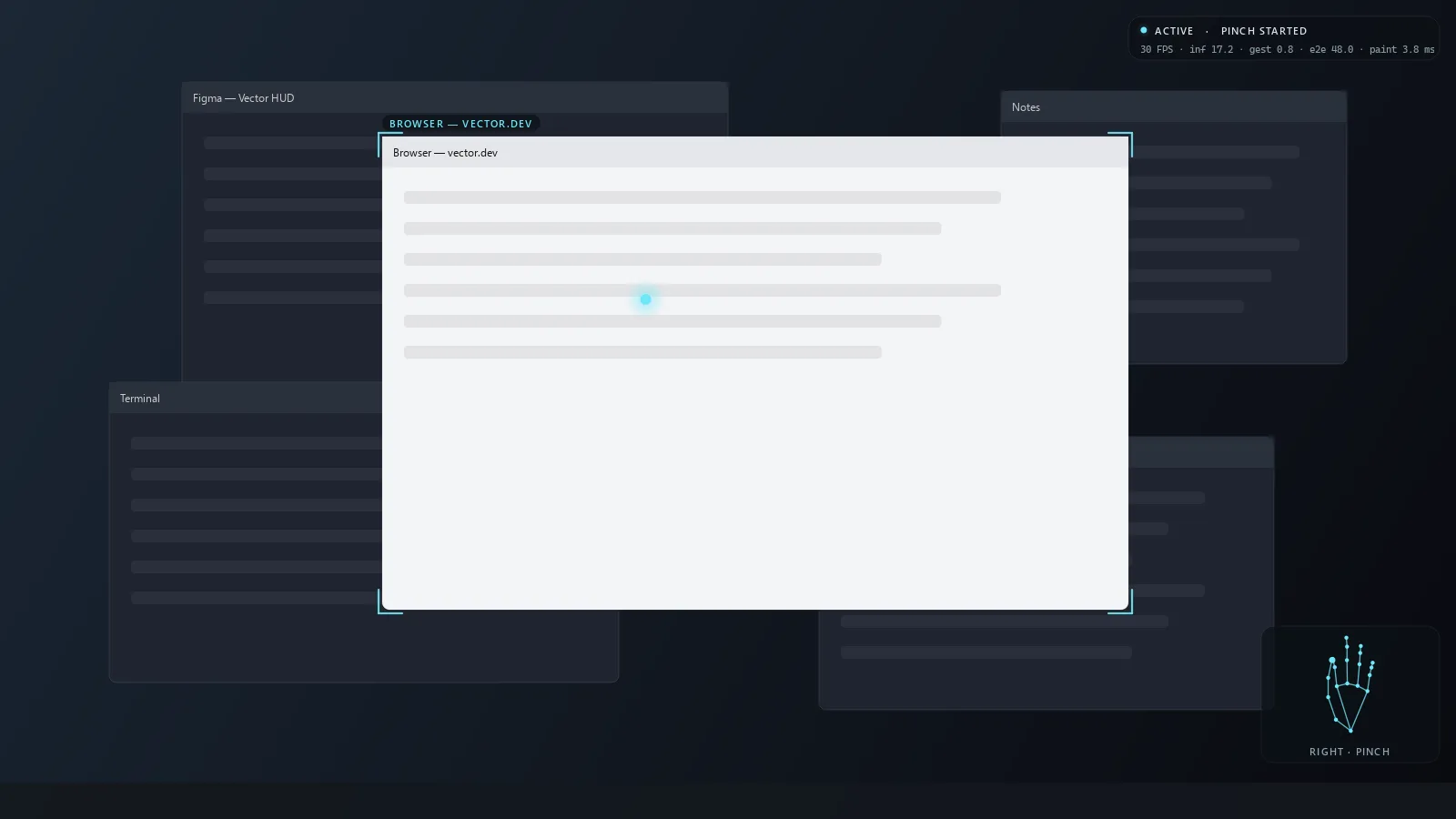
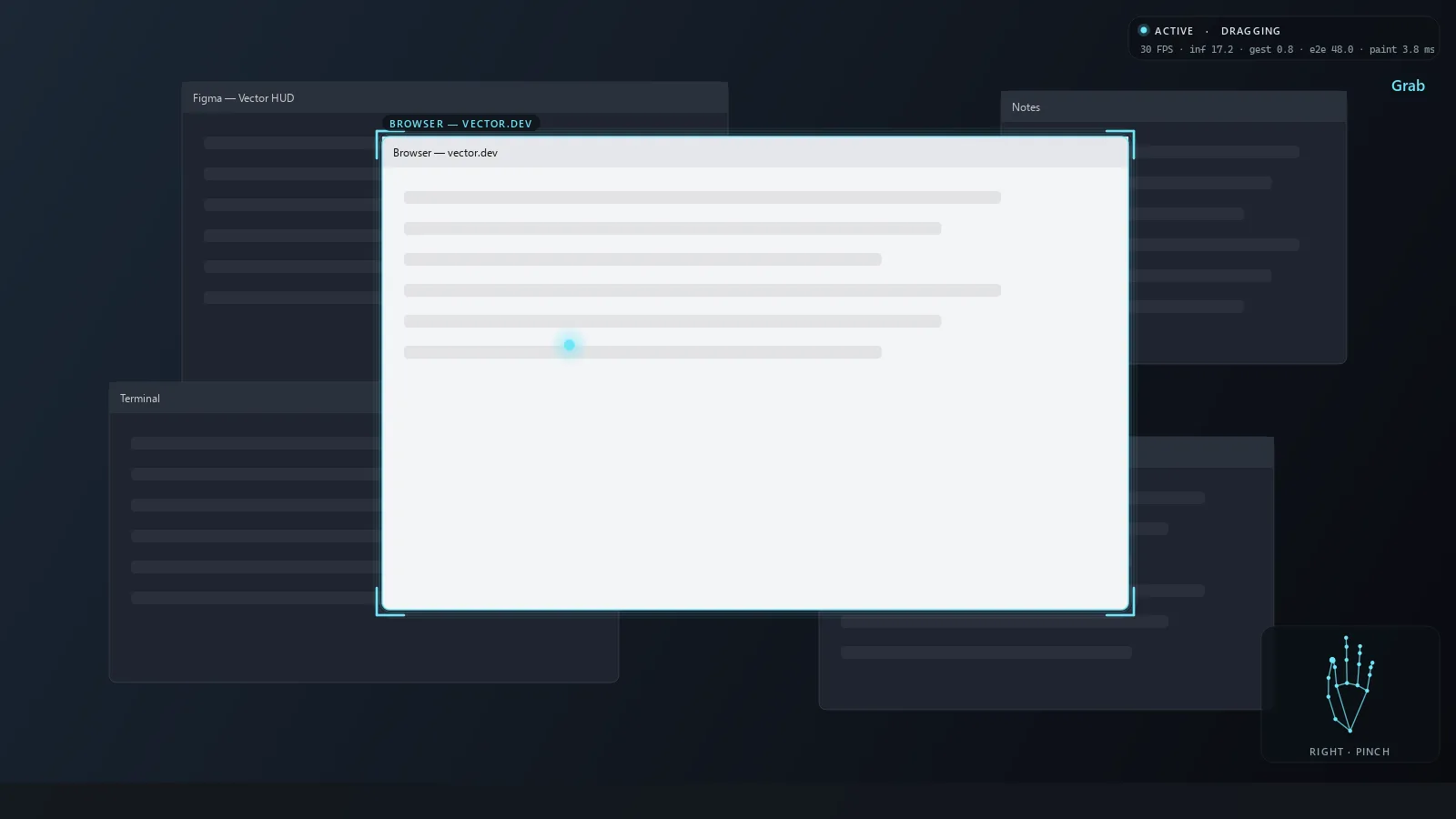
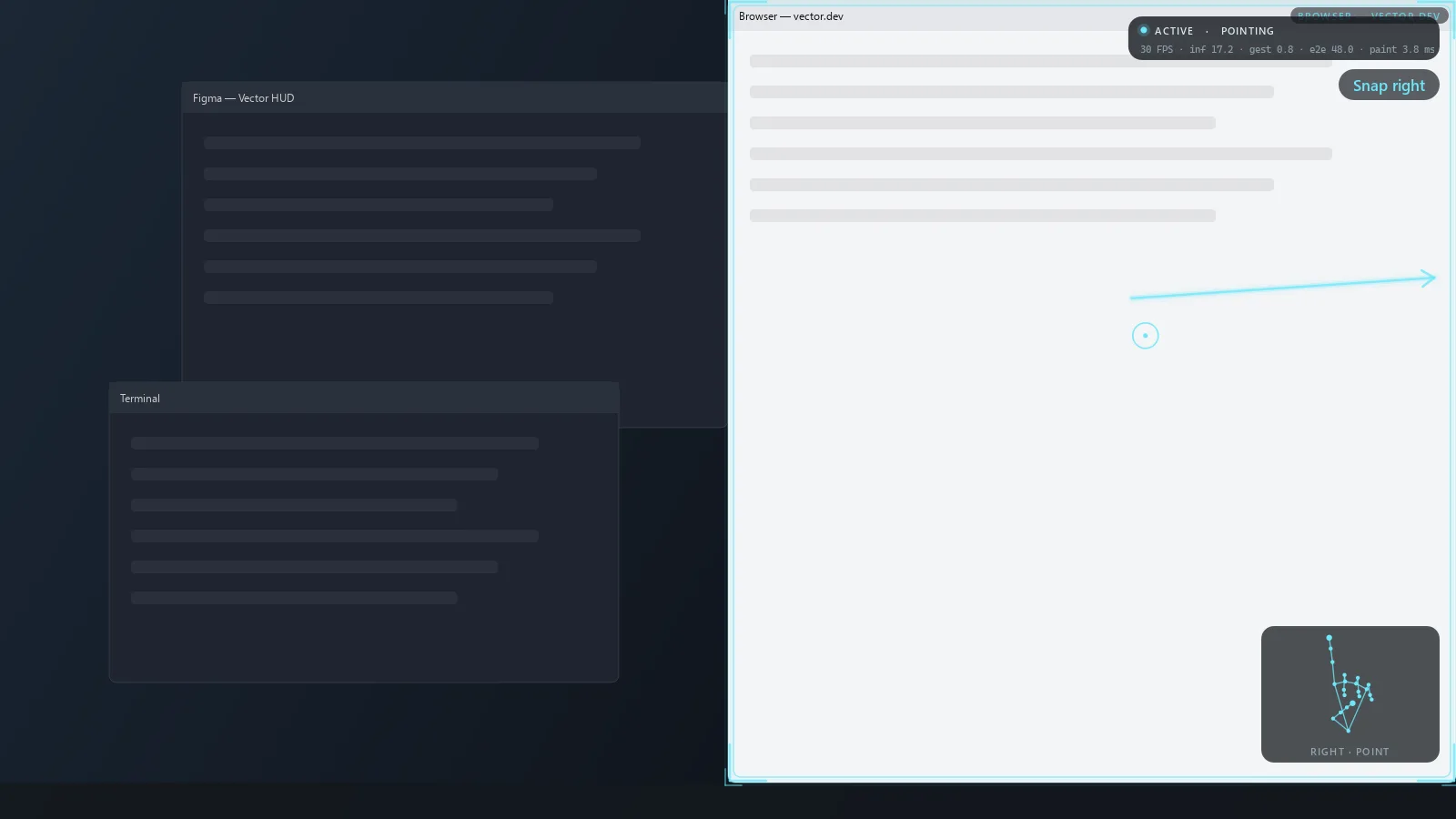
Vector watches your hands and moves real windows, not a mock-up, through the Win32 API. Point to aim, pinch to click, pinch and hold to grab, release while moving fast to throw a window to a screen edge or another monitor. Two hands resize; an open palm switches apps; three fingers draw on the screen.
Gesture · what Windows does
Thumb–index distance ÷ palm length < 0.28, release > 0.42. Click only on an observed release within 0.28 s; target taken 100 ms before pinch onset.
The hard part is not firing
“Does the swipe fire?” is easy. “Does aimless motion not fire anything?” is where the design effort went. Every gesture is a temporal pattern over a state machine, never a single frame: a throw is an established drag, then sustained consistent velocity, then an observed release.
A pure velocity detector fired 24 times in 12 simulated minutes of random motion. Requiring a pause before the flick and a crisp pose for the whole stroke brought that to 1.
Computer vision decisions
Two coordinate systems on purpose
Hand shape (finger curl, pinch ratio, palm orientation) comes from MediaPipe's metric world landmarks. Position and motion come from image space, divided by a foreshortening-robust hand scale, so speeds are in hand-lengths per second and behave the same at 40 cm or 1.5 m.
Handedness is a vote, not a fact
Per-frame labels flicker. Tracks accumulate a belief about which hand they are; two simultaneous “Right” hands are resolved by certainty, then position.
Click stabilisation
Closing a pinch drags the fingertip toward the thumb. Vector locks the target from the cursor 100 ms before the pinch began, then anchors the pointer to palm motion.
A cursor that feels like a trackpad
One-Euro filter, hybrid gain curve, drift correction only while moving, a 3 px rope dead zone, and a critically damped spring in the 120 Hz actuator.
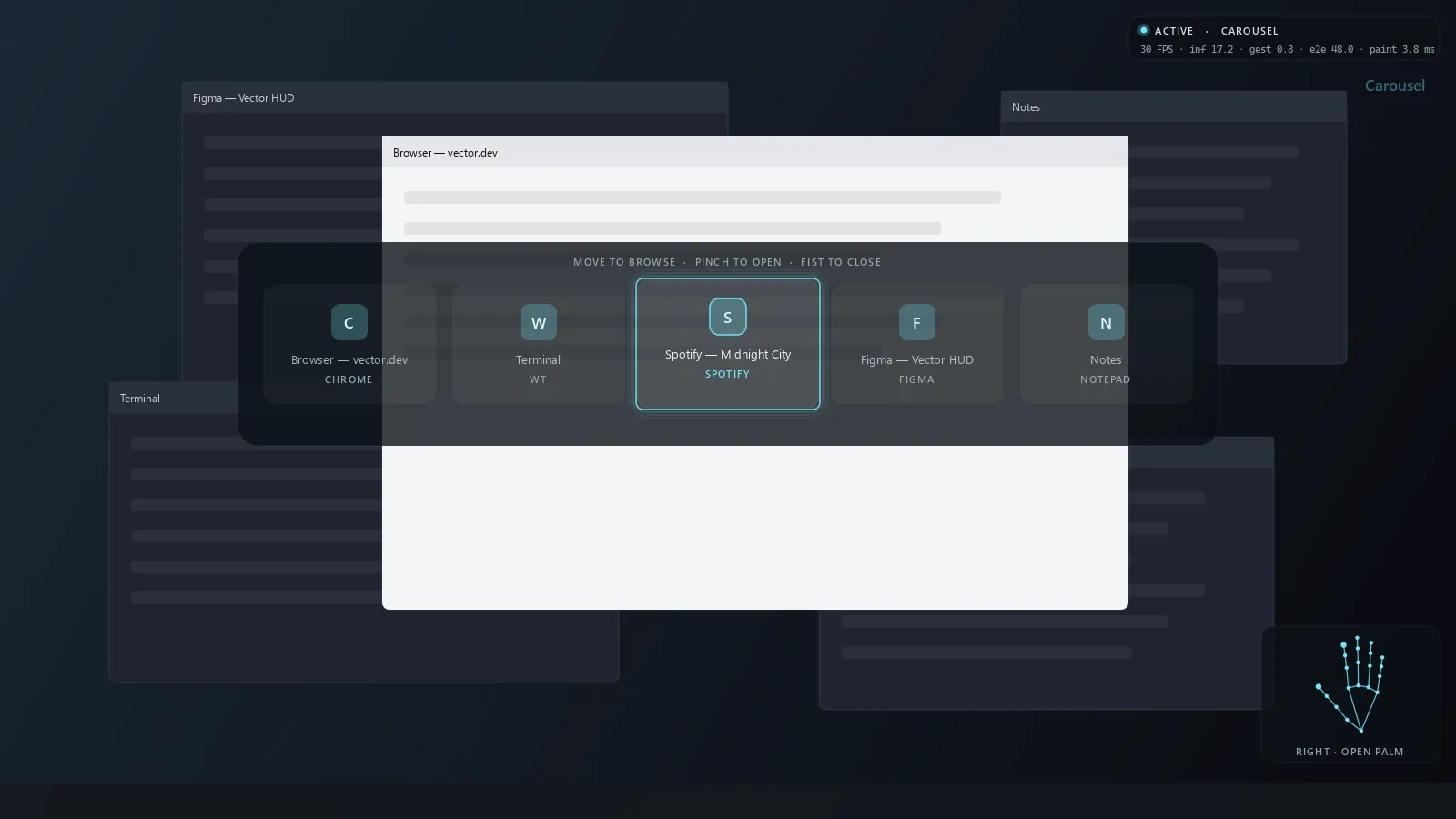
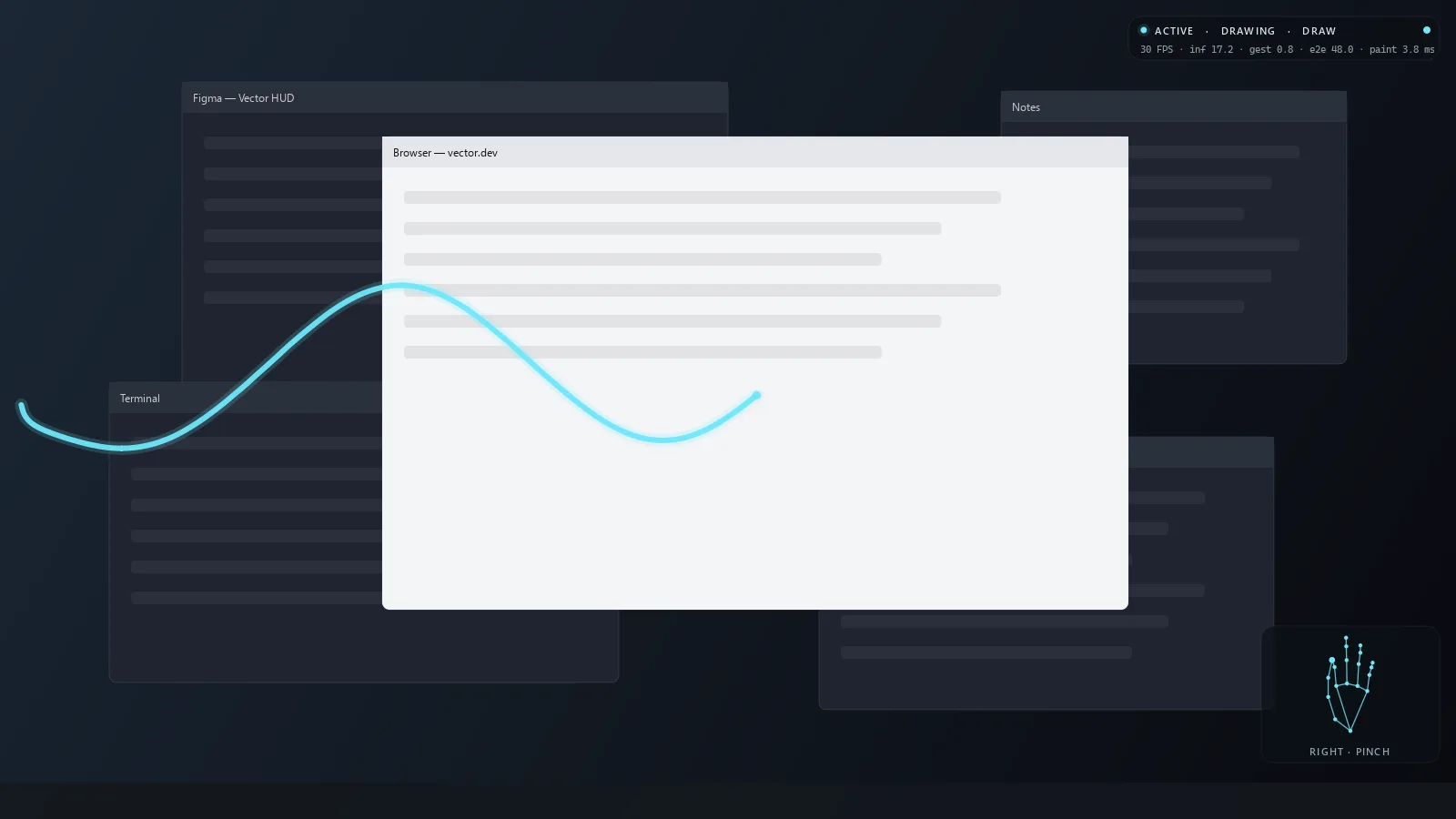
One more section for engineers: architecture, hyper-parameters and design decisions.
Under the hood
Under the hood- Camera thread
latest frame only, never a stale queue
- Vision thread
- MediaPipe HandLandmarker
- sticky hand identity
- scale-invariant features
- temporal gesture engine
- intent engine
- Actuator · 120 Hz
- generation gate
- springs + scroll inertia
- watchdog
- Win32
- SetWindowPos
- SendInput
Five threads. Only the actuator touches the OS, and it refuses commands from a previous activation generation or that are too old to reflect intent.
Safety first
Esc Esc runs in a low-level keyboard hook on its own thread and disarms the actuator immediately; it ignores synthetic keystrokes, so gestures can never trigger or suppress it. A watchdog stops motion if vision stalls for 0.4 s.
Windows quirks
Per-monitor-v2 DPI awareness with all math in physical pixels; positioning on DWM extended frame bounds to cancel invisible borders; the empty-input technique PowerToys uses to get past foreground lock.
Learned models must earn their place
Recorded landmark clips train a GRU and a TCN with leave-one-session-out validation. A learned model replaces a heuristic gesture only if it wins on held-out sessions.
Reviewed by a second agent
Built with Claude Code as writer; OpenAI Codex CLI reviewed it cold and found 9 issues, 2 of them safety-relevant. All were fixed, each with a regression test that fails on the old code.
What it doesn't do (yet)
- The demo is the real HUD painter and gesture engine driven by a synthetic hand. A live screen recording is still to be made.
- Thresholds have not yet been tuned with real hands in front of the camera; multi-monitor throws are tested only on synthetic layouts.
- The learned GRU/TCN pipeline runs end to end but has not been compared on real recordings, so the deterministic engine stays in charge.